
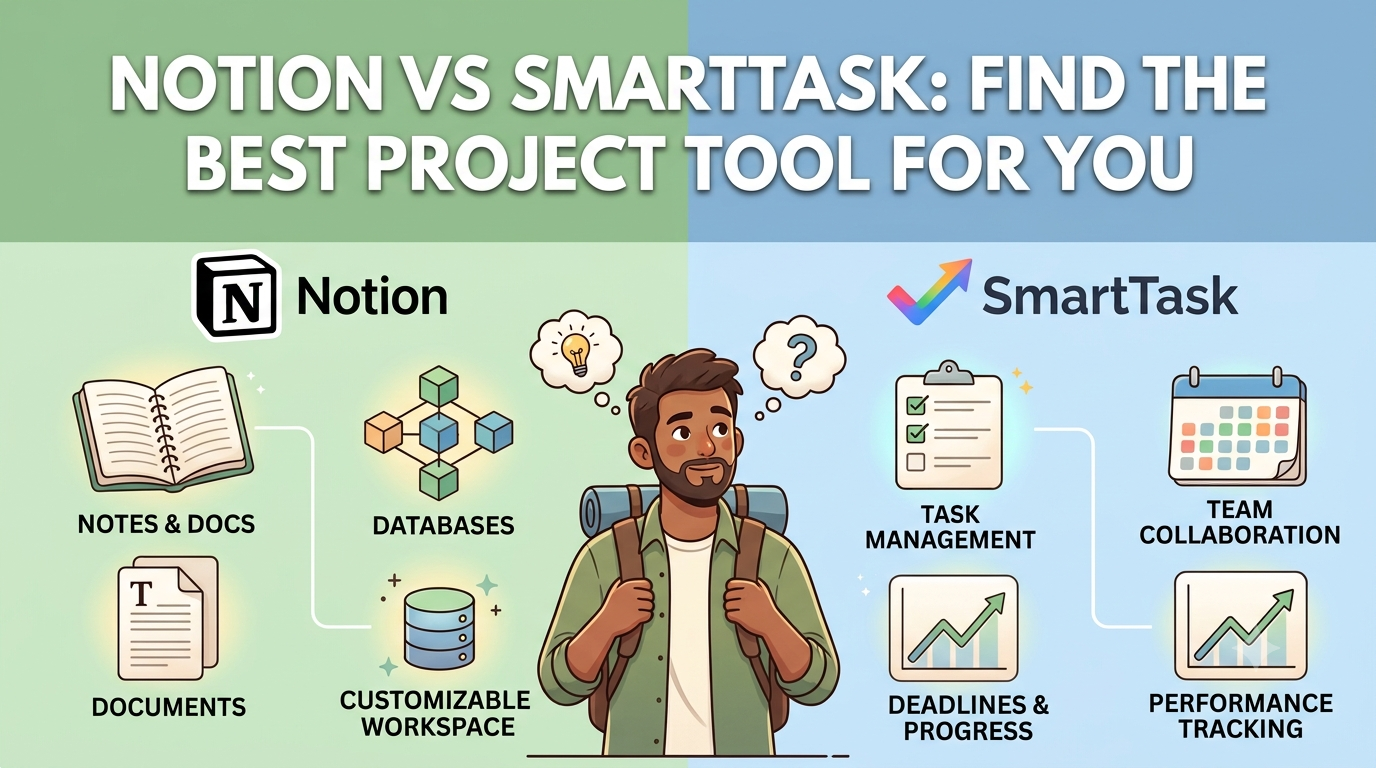

Affiliate disclosure:Some links below are affiliate links. If you sign up through one we may earn a commission at no extra cost to you — and it never changes our verdict.Full details on our Affiliate Disclosure page.If you’re running a business by yourself, the “best project management tool” advice online is mostly written for teams of fifteen. It assumes you have collaborators to onboard, permissions to manage, and a budget that scales with headcount. As a solo founder you have none of that —you have one brain, a long to-do list, and a strong incentive not to pay per seat for seats you’ll never fill.Notion and Smart Task come at the solo problem from opposite directions. Notion is a flexible all-in-one workspace you assemble yourself. SmartTask is a structured work-management tool(with a built-in CRM) that hands you the structure pre-built. This comparison is written specifically for the one-person business: what each costs you alone, how long until you’re actually productive, and which one we’d set up if we were starting from scratch this week.
The 30-second verdict
For most solo founders, SmartTask is the better fit if you want structure out of the box—its free-forever plan is unusually generous (unlimited tasks, projects, and even a CRM at $0), soa one-person business can run real client and project work without ever paying.
Notion wins if you want one tool to be your whole second brain— notes, wiki, docs, databases, and light project tracking in a single flexible workspace. Its free plan is genuinely usable solo, and you only pay when you need bigger file uploads, more history, or AI.
Put bluntly: choose SmartTask if your work is task- and client-driven and you want it organised for you. Choose Notion if your work is knowledge- and content-driven and you’d rather build the system yourself.
Quick picks
- Best free plan for solo client work:SmartTask
- Best for notes + docs + light PM in one place:Notion
- Fastest to “productive” out of the box:SmartTask
- Most flexible / customisable:Notion
Notion vs SmartTask at a glance
| Notion | SmartTask | |
|---|---|---|
| What it is | All-in-one workspace: notes, docs, wikis, databases | Work management + CRM: tasks, projects, pipeline |
| Free plan for solo use | Yes — unlimited pages/blocks, 10 guests, 7-day history | Yes — unlimited tasks, projects, users + CRM |
| Entry paid plan | Plus: ~$10/user/mo annual ($12 monthly) | Premium: ~$5/user/mo annual ($7.99 monthly) |
| Learning curve | Higher — you build your own system | Lower — structure is pre-built |
| Best-known strength | Flexibility + knowledge management | Ready-made task/project structure + CRM |
| Built-in CRM | No (you’d build a database for it) | Yes |
| Native docs / wiki | Yes — core strength | Limited |
Pricing is per user per month and reflects rates verified May 2026.
Pricing for a team of one
This is where the solo angle changes the whole calculation. Both tools price paid plans per user— but as a solo founder you only ever pay for one seat, so the question becomes: how far does each free plan stretch before you’re forced to upgrade?
SmartTask pricing
SmartTask’s free-forever plan is the standout for solo operators: it includes unlimited tasks, unlimited projects, unlimited users, and unlimited contacts, with access to core features and the built CRM. For a one-person business, that often means you can run your entire operation —client tasks, project boards, and a basic sales pipeline — without paying anything.
| SmartTask Plan | Price | Solo-founder Note |
|---|---|---|
| Free Forever | $0 | Unlimited tasks, projects, users, contacts + CRM. Enough to run a solo business. |
| Premium | ~$5/user/mo annual ($7.99 monthly) |
Adds custom fields, milestones, project templates, reminders, filtered views. |
| Business | ~$11/user/mo billed yearly | Adds timeline/Gantt, dashboards, portfolios, time tracking, budgeting. |
| Enterprise | Contact sales | SSO, white-label, managed services — not relevant for solo use. |
SmartTask pricing per smarttask.io, verified May 2026.
Notion pricing
Notion’s free plan is also strong for solo use — unlimited pages and blocks, with the main capsbeing a small file-upload limit, 7-day page history, and a 10-guest limit. For a solo founder whoisn’t collaborating much, Free can carry you a long way. You typically upgrade to Plus forunlimited file uploads, longer version history, and unlimited guests. The bigger jump is theBusiness tier: in May 2025 Notion retired its standalone AI add-on and folded full AI intoBusiness, which is the main reason that tier roughly doubles the Plus price.
| Notion Plan | Price | Solo-founder Note |
|---|---|---|
| Free | $0 | Unlimited pages/blocks, 10 guests, 7-day history, 5 MB file cap. Fine for solo. |
| Plus | ~$10/user/mo annual ($12 monthly) |
Unlimited file uploads, 30-day history, unlimited guests. The usual solo upgrade. |
| Business | $20/user/mo annual ($24 monthly) |
Private teamspaces, 90-day history, SSO, and full Notion AI. Usually overkill for solo users. |
| Enterprise | Custom | Organization-scale security and compliance features — not relevant for solo use. |
Notion pricing verified May 2026 against notion.com/pricing. Business pricing reflects the May 2025 AI restructuring, where full Notion AI is included in the Business plan.
Bottom line on cost: if you want to stay at $0, SmartTask’s free plan covers more real project-management ground for a solo founder because nothing important is gated behind a paywall.Notion’s free plan is excellent for knowledge work but nudges you toward Plus once your files and history grow — and if you want Notion’s AI, you’re looking at the $20 Business tier, since there’s no longer a cheap AI add-on. Neither tool will break a solo budget, but the free-tier ceiling is meaningfully higher on SmartTask, and Notion’s AI path is now noticeably pricier.
Where Notion wins for solo founders
It replaces several tools at once
Notion’s real value to a solopreneur is consolidation. Notes, a personal wiki, meeting docs, acontent calendar, a CRM you build yourself, and lightweight project boards can all live in one workspace. If you currently juggle a notes app, a docs tool, and a task list, Notion can absorb all three — which means one login, one search bar, and one place your brain lives.
Flexibility and customisation
Because you build your own databases and views, you can shape Notion around exactly how you think rather than adapting to someone else’s workflow. For founders with an unusual process, that freedom is the whole point.
Knowledge management and content
If your business runs on writing — a blog, a newsletter, courses, documentation — Notion’s docs-first design is a genuine strength. Drafting, organising, and publishing-adjacent work feel native here in a way they don’t in a task-first tool.
Where SmartTask wins for solo founders
Structure without the setup tax
SmartTask hands you list, board (Kanban), and timeline views, task and subtask hierarchy,recurring tasks, and dependencies — already organised. There’s no blank-canvas paralysis. Fora solo founder whose scarcest resource is time, getting to “productive” in an afternoon insteadof a weekend is a real advantage.
A CRM is built in
This is the quiet differentiator. SmartTask includes contact and pipeline management, so a solofounder doing client or sales work can track deals alongside tasks without bolting on a separate CRM. In Notion you’d build that yourself; in SmartTask it’s there on day one — even on the freeplan.
Task-management depth
For pure “get things done and don’t let anything slip” work, SmartTask’s task engine —reminders, recurring tasks, auto-scheduling of dependent tasks, time tracking on paid tiers — is more purpose-built than Notion’s database-as-task-list approach.
The honest downsides of each
Notion’s trade-offs
- Steeper learning curve — the flexibility means you have to design your own system before it’s useful.
- It’s not a dedicated task manager; reminders, dependencies, and recurring tasks are weaker than in purpose-built tools.
- No native CRM — you build it, which is more setup and maintenance.
- Free-plan file-upload and history limits push knowledge-heavy users toward Plus, and AI now requires the $20 Business tier
SmartTask’s trade-offs
- Less flexible — you adapt to its structure rather than the other way around.
- Weaker as a docs/notes/wiki tool, so it won’t replace your second brain.
- The interface is widely described as functional but a little dated, and the mobile app can lag.
- Smaller ecosystem and community than Notion, so fewer templates and tutorials to lean on.
Which should you choose?
Choose SmartTask if…your work is task- and client-driven, you want a ready-made structureplus a CRM, and you want to do as much as possible for free. It’s the more practical pick for asolo founder running services or projects.
Choose Notion if…your work is knowledge- and content-driven, you want one flexibleworkspace to replace several apps, and you’re willing to invest a weekend in setup to get asystem shaped exactly around you.
And the honest both-of-the-above answer: some solo founders run Notion as their second brain(notes, docs, wiki) and a dedicated task tool alongside it. If you try that, SmartTask’s free plan makes it a no-cost pairing — but for most one-person businesses, picking one and committing beats maintaining two.
Frequently Asked Questions
Is Notion or SmartTask better for a solo founder?
It depends on your work. SmartTask is the better choice if you want a ready-made task and project management system with a built-in CRM, especially for client-based or service businesses. Notion is a better fit if you prefer a flexible workspace for notes, documents, databases, and lightweight project management.
Can I run a solo business entirely on the free plans?
Yes, in many cases. SmartTask’s free plan includes unlimited tasks, projects, users, and a built-in CRM, making it suitable for many solo businesses. Notion’s free plan also offers unlimited pages and blocks, although its file upload limit and shorter version history may encourage some users to upgrade.
How much does each cost if I upgrade?
SmartTask Premium starts at approximately $5 per user/month (billed annually) or $7.99 monthly, while the Business plan starts at around $11 per user/month (annual billing). Notion Plus costs approximately $10 per user/month annually ($12 monthly), and Notion Business costs $20 per user/month annually ($24 monthly). As a solo founder, you’ll only need to pay for one user license.
Does SmartTask include a built-in CRM?
Yes. SmartTask includes contact management and a built-in sales pipeline alongside its project and task management features, making it an excellent option for freelancers, consultants, and solo business owners.
Is Notion difficult to learn?
Notion has a steeper learning curve because you build your own workflows from scratch. The benefit is unmatched flexibility, while SmartTask provides a structured system that helps users become productive much faster.
Does Notion still offer a separate AI add-on?
No. Notion discontinued its standalone AI add-on in 2025. Full Notion AI is now included with the Business plan, while Free and Plus users receive only limited AI access.
Final Thoughts
Both SmartTask and Notion offer generous free plans, allowing you to test each platform before committing to a paid subscription. If your work revolves around projects, tasks, and client management, SmartTask is likely the better fit. If you need a flexible workspace for documentation, knowledge management, and content creation, Notion remains one of the strongest options available.
Ready to try them? Start with SmartTask’s free plan or set up a free Notion workspace — both let you test the fit before paying a cent.
