
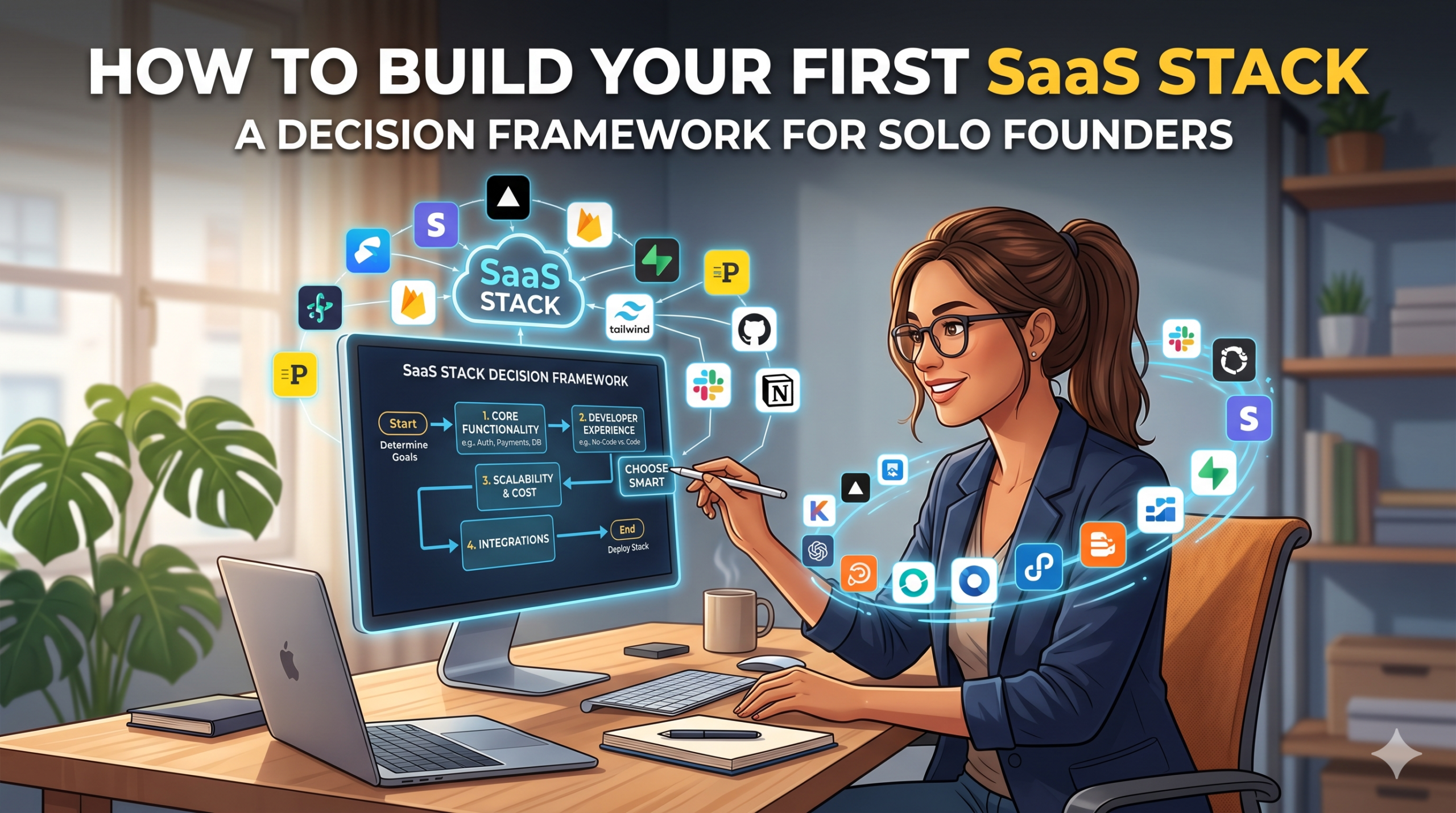

Most solo founders build their first SaaS stack the same way: by copying someone they admire on YouTube. They watch a “my $1,000/month SaaS stack” video, write down half the tools, sign up for free trials, and end up paying for fourteen tools at month three when their actual workload could fit on four.
This is the most expensive mistake early founders make. Not because $1,000/month is unaffordable (most stacks at that range have meaningful overlap), but because every redundant tool is a context switch you didn’t need, an integration you have to maintain, and a cancellation you’ll forget to do at month thirteen.
After watching dozens of solo operators build, dismantle, and rebuild their stacks, I’ve come to believe the right way to think about your first stack is not “what should I buy?” but “what work am I doing that needs software, and what’s the minimum tool that does it?” The framework below is what I wish someone had given me before I subscribed to my third project management tool.
The Five Functions Every Solo Founder Actually Needs
Strip away the noise and the things you don’t need yet, and a solo founder’s stack reduces to five categories. Anything outside these five is probably premature.
1. Knowledge Management and Documentation
You need somewhere to write things down that isn’t your inbox. This sounds trivial, but it’s actually the highest-leverage tool in your stack because it compounds. Notes from week one get used in week 200. Customer feedback you logged in January shapes the product roadmap in June.
What to look for: searchable, supports linking between notes, syncs across devices, exports cleanly if you ever leave. What to skip: AI features (every tool has them now), elaborate templating systems (you’ll customize 5% and ignore the rest), gimmicky views.
Three options actually work at solo founder stage. Notion is the right pick if you’ll eventually hire even one person, because it scales from personal notes to team workspace without forcing a migration. Obsidian is the right pick if you write more than you collaborate, because the local-first model is faster and your data stays yours. Apple Notes or Google Docs are the right picks if you want zero setup and don’t mind hitting a wall later.
Most solo founders should pick Notion. The silent cost of migration when you hire your first employee is bigger than the friction tax of Notion’s complexity. But Notion has one real failure mode: the flexibility makes it a procrastination magnet. The honest test is whether you’ve reorganized your workspace in the last 30 days. If yes, you’re using Notion as a fidget toy and should switch to plain text. The tool is supposed to disappear into the background of doing the work. If it’s the most interesting part of your day, you’ve optimized in the wrong direction.
The real cost of getting this wrong: every other system in your business gets bottlenecked through whatever you choose here, so a flaky knowledge tool becomes a productivity tax across everything else.
2. Communication (With Yourself, With Customers)
You need a way to communicate that isn’t social DMs. For most solo founders, this means a real email address (not Gmail; a domain email), a calendar, and basic scheduling.
This is where founders most often over-build. You don’t need Slack at zero employees. You don’t need a customer support inbox at zero customers. You don’t need a CRM until you have leads to track. Resist all of these until the workload demands it.
What you do need: a working email setup with a custom domain (this is a legitimacy signal, not just an aesthetic choice), a calendar with scheduling links, and the discipline to not check either of them more than 3-4 times a day.
Tools that fit: Google Workspace or Fastmail for email, Calendly or Cal.com for scheduling. Total cost should be under $20 a month at this stage.
3. Customer / Lead Capture
The moment you have a website, you need a way to capture interest. Even if you’re not doing real marketing yet, the friction of “someone wants to talk to you and you don’t have a way to receive that” is silly to live with.
This means: a contact form, an email list (even if it’s empty), and ideally a way to capture leads from any landing pages you build.
The honest minimum here is a free Mailchimp or ConvertKit account plus a form on your site. Don’t pay for a CRM until you actually have leads to track. Don’t pay for marketing automation until you have an audience. Don’t sign up for HubSpot at month one — it’s a great tool, but you’ll use 4% of it for the first year.
The temptation is to build elaborate funnels before you have traffic. Don’t. Build the basic capture mechanism, then graduate when you outgrow it.
4. Money Handling
You need a way to take money and a way to track money. These are two different systems.
For taking money: Stripe is the obvious answer for most use cases. If you’re selling courses or productized services, dedicated platforms exist (Teachable, Gumroad), but Stripe Checkout will handle 80% of cases at lower cost. Use a platform tool when the platform value (hosting, course delivery, etc.) is worth the take rate. Otherwise, Stripe.
For tracking money: at solo founder stage, this is a spreadsheet. Not QuickBooks. Not Xero. A spreadsheet with revenue, expenses, and a running cash balance. You don’t need a real accounting tool until you have employees, complex tax situations, or revenue above roughly $200K a year. Until then, the accounting tool is overhead, not value.
Most founders waste $50-100 a month on accounting tools they don’t need yet. Save it.
5. Analytics
You need to know what’s working. The bar for this is much lower than most founders think.
The minimum: traffic source tracking (Google Analytics is free), basic email open rates (whatever your email tool gives you), and a single spreadsheet with weekly revenue. That’s it. You don’t need a product analytics tool, a marketing analytics dashboard, or a multi-touch attribution platform at this stage.
The honest test: if you’re not actually using the data weekly to make decisions, you don’t need the tool yet.
The Three Stack Tiers
Here’s how this actually shakes out in practice, by budget:
The $0/month stack (pre-revenue, pure exploration)
- Knowledge: Notion free / Apple Notes / Google Docs
- Email: Gmail with custom domain pointed (or just gmail.com if you really must)
- Scheduling: Cal.com free
- Lead capture: Free Mailchimp or ConvertKit, native form on website
- Payments: Stripe (no monthly fee, only transaction fees)
- Analytics: Google Analytics + spreadsheet
This stack runs forever at $0/month and is genuinely sufficient until you have real traction.
The $50/month stack (early revenue, validation phase)
- Knowledge: Notion paid / Obsidian + Sync ($10-15/month)
- Email: Google Workspace ($6/month)
- Scheduling: Cal.com paid ($15/month)
- Lead capture: Email tool with paid tier ($15-30/month)
- Payments: Stripe still
- Analytics: Free tier of Plausible or Fathom for privacy-friendly traffic data ($10/month)
Total: roughly $50-75/month. This is where most solo founders should be by month 6 of a real project.
The $200/month stack (real business, scaling)
Adds:
- Real CRM (HubSpot Starter, Pipedrive, Folk)
- Email automation upgrade
- Better analytics (Mixpanel free tier, Plausible Pro)
- Possibly a customer support inbox (Help Scout, Front)
You shouldn’t be at this tier until you have monthly revenue above $5K. If you’re at $200/month in stack costs and revenue is below that threshold, the stack is building you backwards.
Common Stack-Building Mistakes
Building for who you’ll be, not who you are. Solo founders sign up for tools designed for 50-person teams because they’re aspirational. The tool then becomes a chore to maintain, gets abandoned, and the subscription continues silently. Paul Graham’s classic essay on startup mistakes captures this trap better than I can — the short version is: buy for who you are this quarter, not who you hope to be next year.
Over-integrating. Zapier and Make.com are tempting traps. Build integrations only when the manual work is actually painful and recurring. Most solo-founder integrations save 5 minutes per week and break twice a year.
Confusing categories. “I need a project management tool” sometimes means “I need to remember things” (use your knowledge tool), sometimes means “I need to assign tasks to myself” (use a basic to-do list), and sometimes means “I need to track project state across multiple stakeholders” (use a real PM tool). The latter is rare at solo-founder stage.
Underspending on the tool you actually use. The opposite mistake: refusing to pay $15/month for the tool you live in 4 hours a day. If you use a tool that much, paying $15 vs $0 isn’t the question. Get the paid tier and move on.
The Audit Practice
Every quarter, sit down with your bank statements and write down every SaaS charge. For each one, answer:
- Did I actually use this in the last 30 days?
- If I cancelled today, would something break?
- Is there a tool I’m already paying for that does this?
Cancel everything that fails the first two tests. Consolidate everything that fails the third. Most founders find $50-200/month in waste at the first audit, then less and less as the practice becomes routine.
The Meta Point
The right stack at solo founder stage isn’t impressive. It’s invisible. Your tools should disappear into the background of doing the work, not become the work itself. The day you find yourself spending more time configuring your stack than running your business, you’ve optimized in the wrong direction.
Five tools, $50-100/month, evaluated quarterly. That’s the entire framework. Everything else is procrastination wearing the costume of preparation.
